|
🆒Tell Me More
-
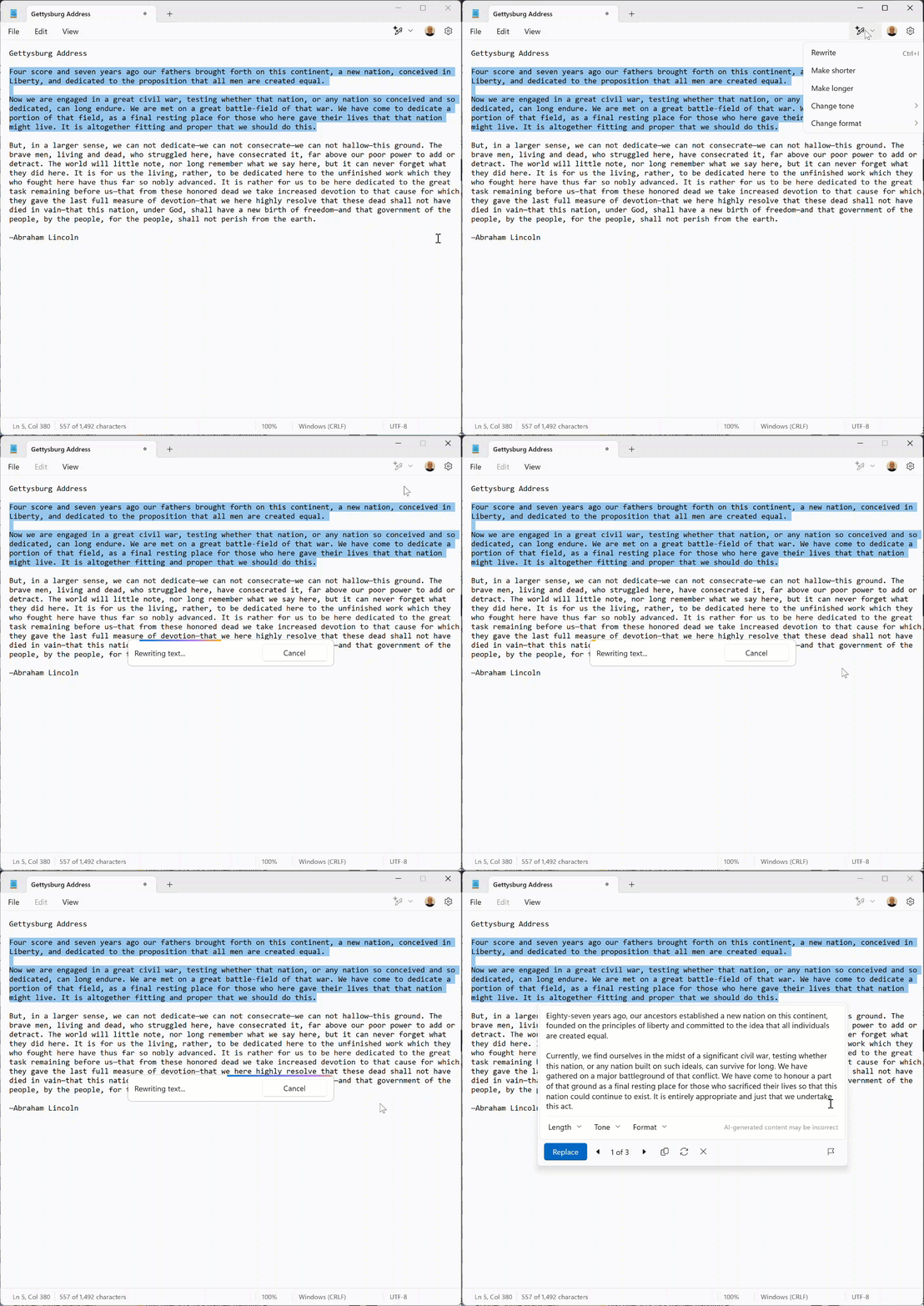
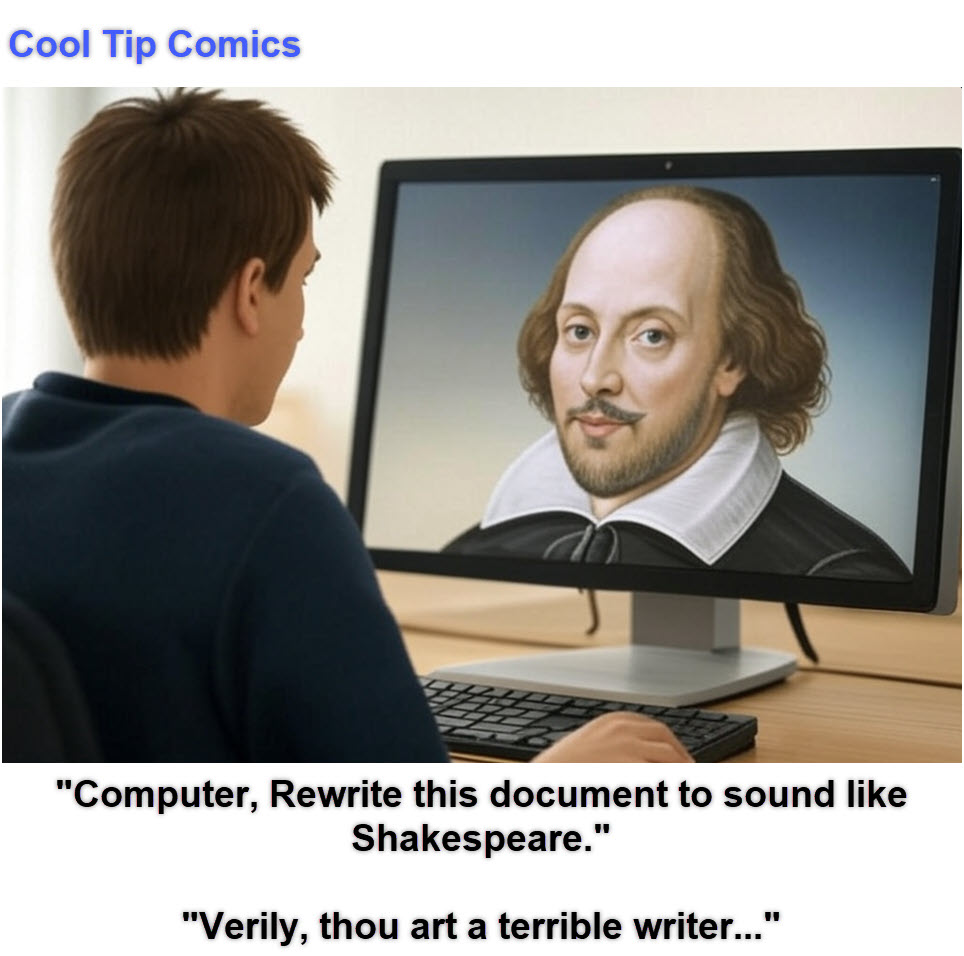
Customizable Rewrites: Notepad's Rewrite feature allows users to adjust tone, length, and style, tailoring text to specific needs.
-
Accessibility: The feature is available to Microsoft 365 subscribers and Copilot Pro users, expanding access to AI tools.
-
Integration with Other Apps: Seamlessly integrates with other Microsoft Office applications, enhancing overall productivity.
-
Cloud Processing: Leverages cloud computing for efficient and powerful AI processing, ensuring quick and accurate rewrites.
🔢 By the Numbers
40
📌 40 years—Notepad has been around since 1983, making it one of Windows' oldest apps.
75%
📌 75% of Windows 11 users have adopted dark mode in apps like Notepad.
10,000+
📌 10,000+ characters—Notepad now displays real-time character counts for long text files.
3
📌 3 new features were added in 2023: tabs, autosave, and wrap-around search.
5
📌 5 seconds—That's how quickly you can open Notepad using the Windows + R shortcut.
✅ More Must-Read Tech Tips.
👀 How Do I Use Enable Word Wrap for Notepad?
Word Wrap is a useful feature that ensures your text stays within the visible window, eliminating the need to scroll horizontally.
Cool Tip: To enable Word Wrap, go to the "View" menu and select "Word Wrap."
This is especially helpful for reading long lines of text without losing context.
🤔 Have You Ever Wondered How to Find and Replace?
The Find and Replace feature allows you to quickly search for specific text and replace it with new text, saving you time and effort in editing.
Cool Tip: Use the shortcut Ctrl + H to open the Find and Replace dialog box.
You can search for exact matches or use regular expressions for more complex searches.
🙋♂️ Here's How To Open a New Tab.
Who doesn't like a nice surprise?
Microsoft enhanced Notepad with tabs to improve the app experience.
The updated app with tabs provides a quick and easy way to keep your data organized and enables you to switch between notes.
Here's how to use it:
-
Open the updated Notepad app
-
Click the + icon to create a new tab.
Find more HERE.
❓Did you share this newsletter with three friends yet?
⌨️Today's Cool Keyboard Shortcuts
Try these Cool Notepad keyboard shortcuts:
✅ Ctrl + Shift + N → Open a new Notepad window
✅ Ctrl + W → Close the current tab
✅ Ctrl + Tab → Switch between tabs
✅ Ctrl + Shift + S → Open "Save As" dialog
✅ F5 → Insert current time and date
✍️Today's Haiku
Plain text never fades,
Lines of thought in black and white,
Notepad, old yet new.
🔎 Do you have a Cool Tip or tech question? Email us at onecooltip.com@gmail.com
😜 Tech Joke of the Day 😅
💬 Why did Notepad break up with Word?
Because Word always tried to format things!
|