|
Android:
-
Open the Google Play Store and verify you have Snapseed version 4.2 installed.
-
Launch the application and select an image to edit.
-
Tap the Tools menu to access the new editing options.
-
Choose Color Grade to open the multi-wheel interface.
-
Drag the center point on the Shadows, Midtones, and Highlights wheels to apply a custom color tint, then tap the checkmark to apply the edit.
Cool Note:
- To import custom LUTs on either platform, navigate to the Looks tab, scroll to the far right, tap the Plus icon, and select your stored preset files from your device's file manager.
Pros and Cons
Pros:
- Brings professional-grade color management to a free mobile application.
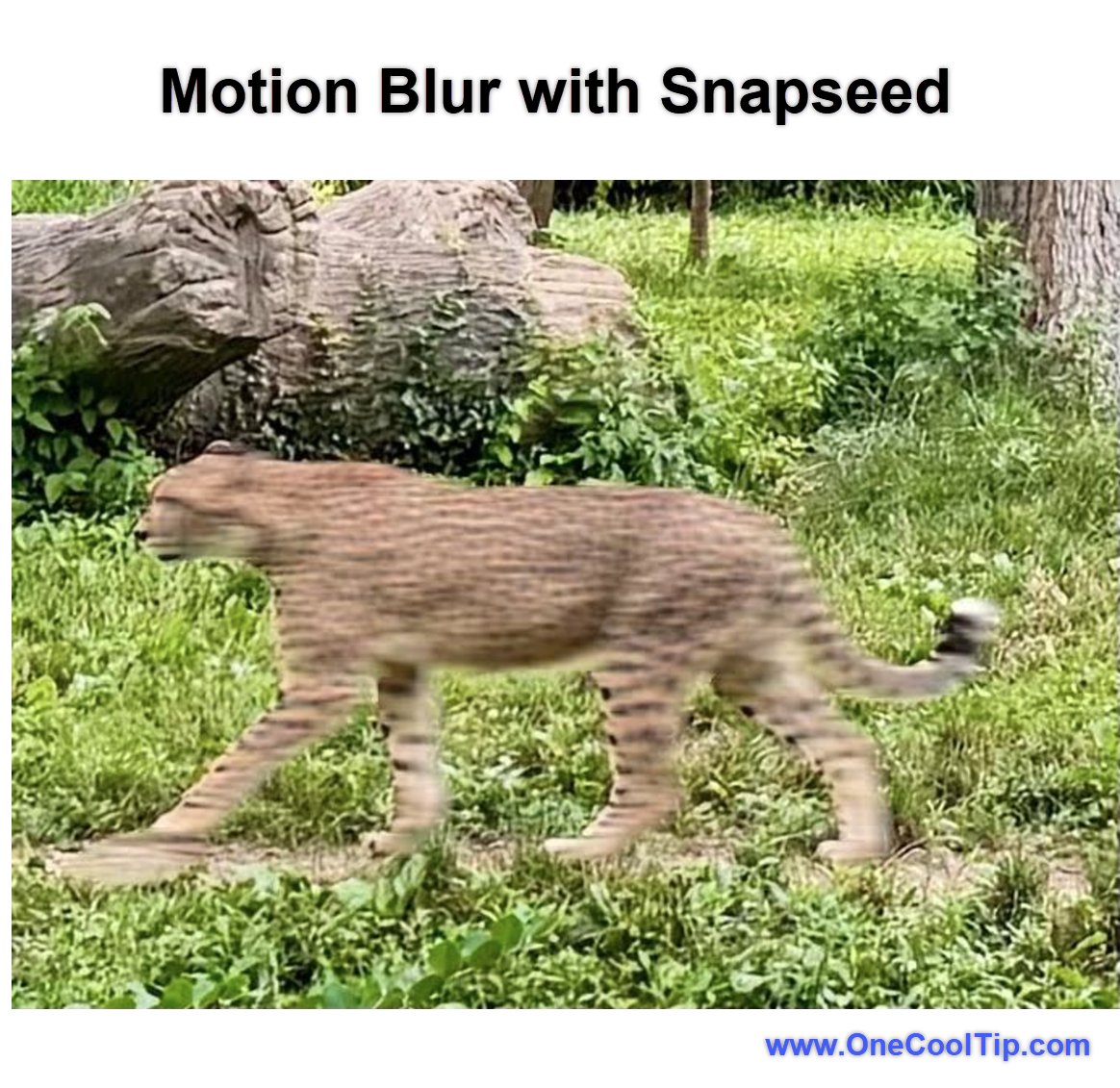
- The Motion Blur tool breathes new life into flat action photography.
- iPad users finally gain full landscape orientation support for easier tablet editing.
- Expanding community features allow users to share their exact edit recipes with others.
Cons:
- The update is gradually rolling out, meaning some users may have to wait to receive the new features.
- Working with complex LUT files requires basic file management skills on your smartphone.
- Intensive tools like depth-based Lens Blur may run slowly on older mobile devices.
Who Should Skip This
Casual users who only want to apply a quick social media filter may find these new tools overly complex.
If you rarely edit photos beyond cropping or adjusting brightness, the learning curve for LUTs and multi-wheel color grading might not be a worthwhile time investment.
Additionally, enterprise users on managed corporate devices may be restricted from importing external preset files due to strict device security policies.
Real-World Examples
Creators looking to maintain a consistent aesthetic across their social media feeds will benefit immensely from the preset import feature.
Instead of trying to manually recreate a specific warm vintage look for every post, a creator can simply load their custom LUT into Snapseed and apply it instantly to new content.
Families attending weekend sporting events can use the Motion Blur tool to improve their photos.
A standard smartphone snapshot of a child running down a soccer field often freezes the action completely, making the child look like they are standing still.
By applying a directional background streak with the Motion Blur tool, a parent can easily communicate the speed and excitement of the moment.
Travelers editing photos on long flights will appreciate the new landscape orientation support on iPadOS.
A traveler can comfortably prop up an iPad on an airplane tray table, import RAW photos from their digital camera, and use the new Color Grade wheels to give their landscape shots a dramatic finish before landing.
Troubleshooting and Limitations
Problem: The new Motion Blur and Color Grade tools do not appear in the menu.
-
Why it happens: The Snapseed 4.2 update is rolling out gradually across regions and devices.
-
Fix or workaround: Check your respective app store for manual updates. If the update is not yet available, you simply need to wait a few days for the rollout to reach your account.
Problem: The app fails to import a custom preset file.
-
Why it happens: You may be trying to import an unsupported file type, or the file is corrupted.
-
Fix or workaround: Ensure your preset is in a supported format like .cube or .xmp. Download the file again from the original source and attempt the import process through the Looks menu once more.
Problem: The depth-based Lens Blur effect looks unnatural and cuts off the subject's edges.
-
Why it happens: Your original photo may not contain sufficient depth data, or the subject has a very complex outline like frizzy hair.
-
Fix or workaround: Dial back the blur intensity using the slider, or switch to the standard Lens Blur tool to manually define the focus area with an adjustable radial mask.
Privacy and Data Notes
Snapseed processes most edits locally on your device.
However, participating in the Community Looks feature involves sharing your photo and its underlying edit recipe publicly.
If you tag your edits with #SnapseedLook to be featured in the community gallery, your image and adjustment steps will be visible to other Snapseed users.
Always ensure you have permission to share photos of other people before submitting them to public galleries.
Feature Access
Snapseed 4.2 is a free update available for both Android and iOS devices.
The rollout is currently active but proceeding gradually.
There are no premium subscription tiers, meaning all users get full access to the new Motion Blur, Lens Blur, and Color Grade features once the update reaches their device. iPad users must install this specific version to access the newly added landscape mode.
Score
Criterion | Score (0–10) | Justification
Value | 9
Bringing desktop-quality color grading and LUT imports to a completely free app is incredibly generous.
Usability | 8
The tools remain easy to tap and swipe, though managing external LUT files on mobile
devices can be slightly clumsy.
Wow Factor | 9
The Motion Blur feature convincingly creates dynamic energy from completely static smartphone photos.
Total: 26/30 | 🌟 Excellent
Snapseed 4.2 successfully bridges the gap between simple mobile filters and professional desktop editing software, offering specialized creative control without requiring an expensive subscription.
Key Takeaways
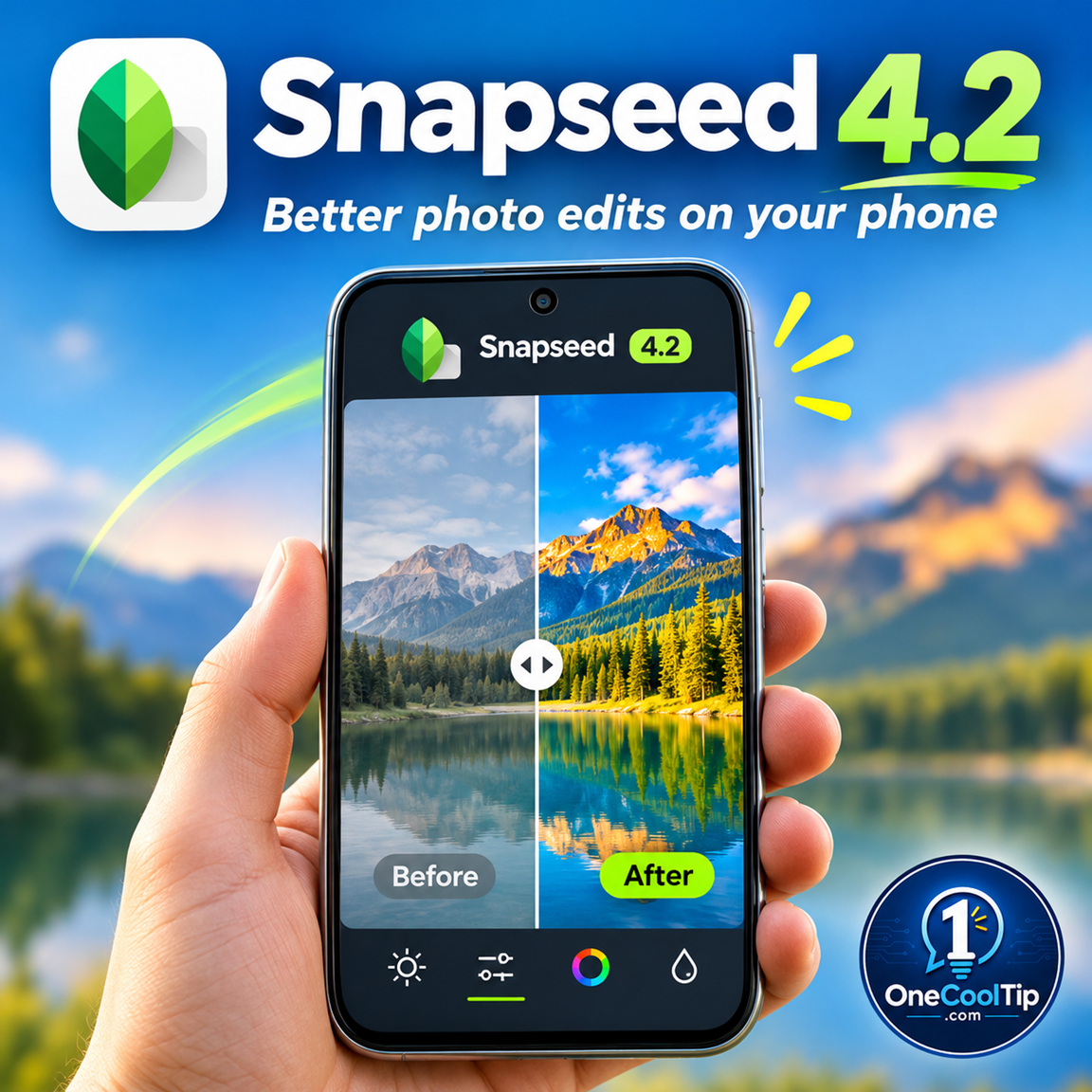
Snapseed 4.2 elevates mobile photography by introducing advanced tools like Motion Blur, multi-wheel Color Grading, and custom LUT imports.
These additions allow anyone to create dynamic photos directly from their smartphone screen.
The update reinforces Snapseed's position as one of the most capable free photo editing applications available today.
Cool Tip Snapshot
-
Feature Name: Snapseed 4.2 Update
-
Platform(s): Android, iOS, iPadOS
-
Quick Benefit: Apply professional color grades and add dynamic motion blur to mobile photos.
-
Best For: Creators, photographers, and mobile editing enthusiasts.
-
Access Type: Free (Rolling Out)
-
Difficulty: Moderate
Learn More
Read the official release notes detailing the new motion blur and depth tools directly on the iOS App Store page.
Try It Yourself
Check your app store for the Snapseed 4.2 update today and try applying a motion blur effect to one of your favorite sports photos!
Let us know how your edits turn out in the comments below, subscribe to the One Cool Tip newsletter for more practical tech advice, and share this Cool Tip with your family and coworkers.
READ MORE
Read the Full Cool Tip!
|