October 9, 2025

Time to Read: 6 Minutes


CAM Joke of the Week

They said money can't buy happiness...

But it can buy a 5-Axis and I haven't been sad since.

Industry Intel

Uncovering Hidden Order: Why Metals Aren’t Truly Random

MIT researchers have discovered that even in heavily processed alloys, subtle atomic ordering persists, defying assumptions that manufacturing fully randomizes metal structure. Their new model helps explain how dislocations guide atomic swaps, opening a path to engineer materials with finer control over strength, durability, and heat response.

2025’s Turning Point: A Pivotal Year For American Manufacturing

This year marks a critical moment for U.S. manufacturing, with supply chain stress, investment shifts, and policy changes converging. The piece offers both caution and strategy, outlining how job shops, OEMs, and policymakers must adapt to stay competitive.

GibbsCAM 2026 Ushers In A New Era of CAM Innovation

The 2026 release introduces a completely redesigned “Advanced 3D Machining” engine that promises faster toolpath generation, smoother finishes, and more intuitive workflows, all while preserving a familiar interface. It also expands multi-axis support and adds a read-only viewer to make data sharing easier across teams.

Industry Growth (Open Jobs)

A few hot openings across the industry this week:


General Journey Machinist - Waterous Company - South St. Paul, MN


CNC Set-Up Machinist - M&M Precision Machining, Inc. - Elk River, MN


CNC Milling Programmer - Staffing Agency - MN


CNC Programmer - Dyersville Die Cast -Dyersville, IA


CNC Swiss Programmer/Lead - First Manufacturing, LLC - Humboldt, SD


5-Axis CNC Machine Operator - Galaxy Technologies - Winfield KS


SR. CNC Programmer - Chandler Industries LLC - Blaine MN


CAM TIP OF THE WEEK (Powered by GibbsCAM)

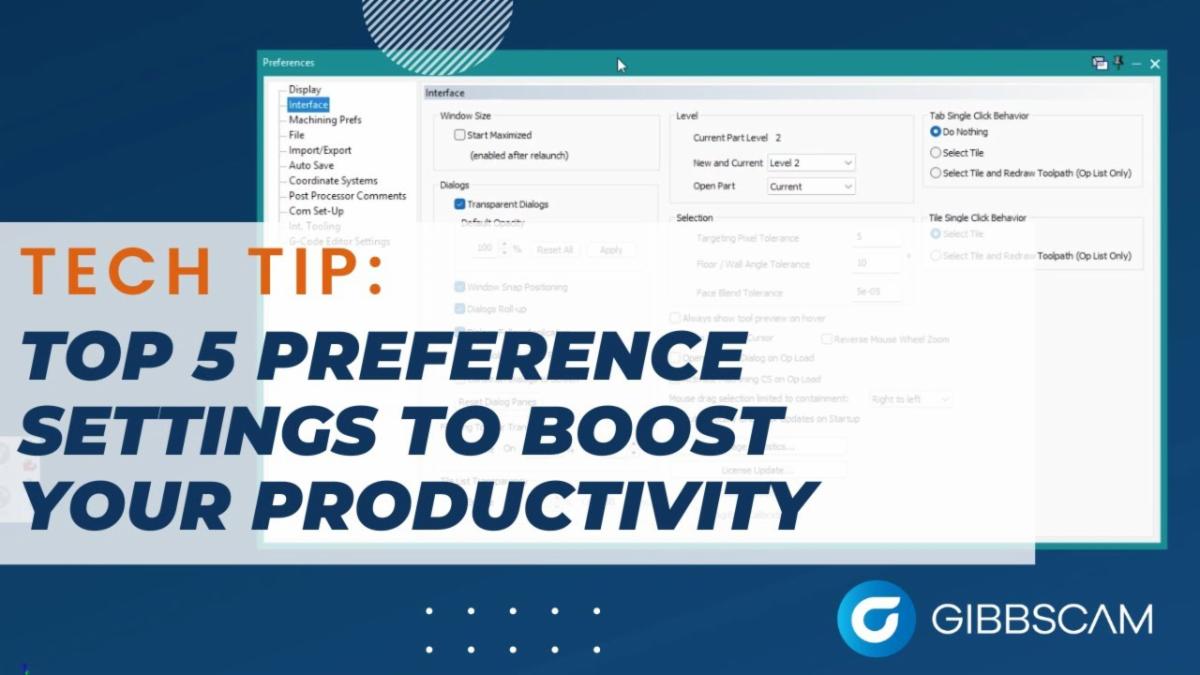
Tech Tip: Top 5 Preference Settings To Boost Productivity: In this GibbsCAM Tech Tip, we take a closer look at the Preferences menu, an often-overlooked area that can make a big difference in your programming workflow. You’ll learn how to customize your interface, speed up toolpath editing, simplify operation management, and protect your posted code with a few key settings. These top five preference adjustments can help streamline your daily work in GibbsCAM and keep your process running smoother and faster.

Trade Show & Event Radar

Date

Show

Location

Oct 22, 2025

GibbsCAM 2026 Rollout

Wichita, KS

Oct 21-23, 2025

Wichita Industrial Trade Show

Wichita, KS

Oct 21-22, 2025

MD&M Midwest - Advanced Manufacturing Minneapolis

Minneapolis, MN

Nov 11-12, 2025

Modern Machine Shop - Top Shops

Charlotte, NC

Nov 20, 2025

Toolbox Talk - Ask a CAM Pro

Plymouth, MN

Feb 3-5, 2026

MD&M West

Anaheim, CA

CNC Underground: Afterhours Podcast

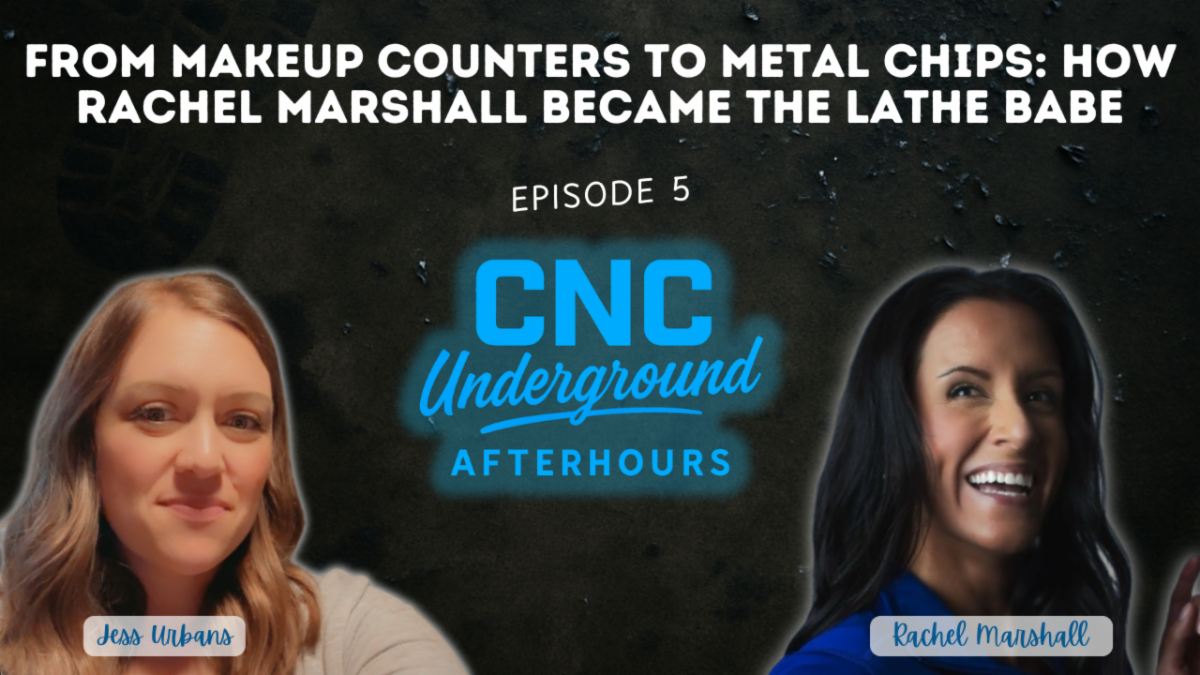
Rachel Marshall, owner and operator of Excel Machine Manufacturing, joined CNC Underground: After Hours to talk about her unique path from the cosmetics counter to running a successful family CNC shop in Utah. With candor and humor, Rachel reveals what it’s really like to operate a business alongside her spouse, why staying small by choice works for her team, and the importance of shining a spotlight on trades for the next generation. This episode is packed with real-world insight for anyone passionate about small shop culture, work-life balance, and the future of manufacturing.


Key Takeaways:

  • Hear how Rachel translated skills from retail and cosmetics to manufacturing leadership, and why diverse backgrounds are a secret shop superpower.
  • Learn why shop culture and communication matter just as much in a two-person team as in a hundred-person factory.
  • Get practical ideas for attracting new talent, especially women and youth, to the trades, and breaking down industry stereotypes.


Ask a CAM Pro

Q: How do I debug a posted NC file that isn't cutting right?

When a part cuts wrong, it’s easy to point fingers: the machine, the post, the last guy who touched it. But experienced programmers don’t guess; they troubleshoot.


Start with the basics: check your work offsets and tool offsets.

Confirm everything was set accurately. 


Compare what you posted vs. what you simulated.

Mismatch between your CAM setup and the G-code output? That’s a red flag. Look at feeds, speeds, retracts, tool numbers, and Z heights. Even small differences, especially from an outdated or edited post, can create big headaches.


Check the top and bottom of the NC file.

Safe start lines, spindle commands, coolant calls, and return moves all live here. If your tool doesn’t return home or the coolant shuts off too early, those last few moves can create real problems in the real world.


Use backplot or G-code simulation.

If your machine has a built-in backplot, run it. Even better, simulate the posted file inside your CAM system if it supports it. That lets you see motion without risking a crash or wasting a setup.


Don’t forget about the post itself.

If things seem off, ask if the post was recently changed or transferred between systems. One small tweak, like flipping from G53 to G28, can completely change tool motion.


And go step-by-step.

Use process of elimination. Comment out sections, post again, and isolate the problem. Change one thing at a time and track your progress so you’re not just chasing your tail.


Bottom line?

The fastest way to fix a bad cut is to stay calm, stay methodical, and treat your NC file like a roadmap, not a mystery.


Have a programming question?


Send it in for the next edition of Ask a CAM Pro!


CAMedy Central

Did someone forward you this newsletter?

Subscribe to get your own copy every week.