❓ Canvas FAQ Corner
Quick answers to common Canvas questions from faculty like you!
📌 Q1: When will I lose “edit” access to my Canvas course?
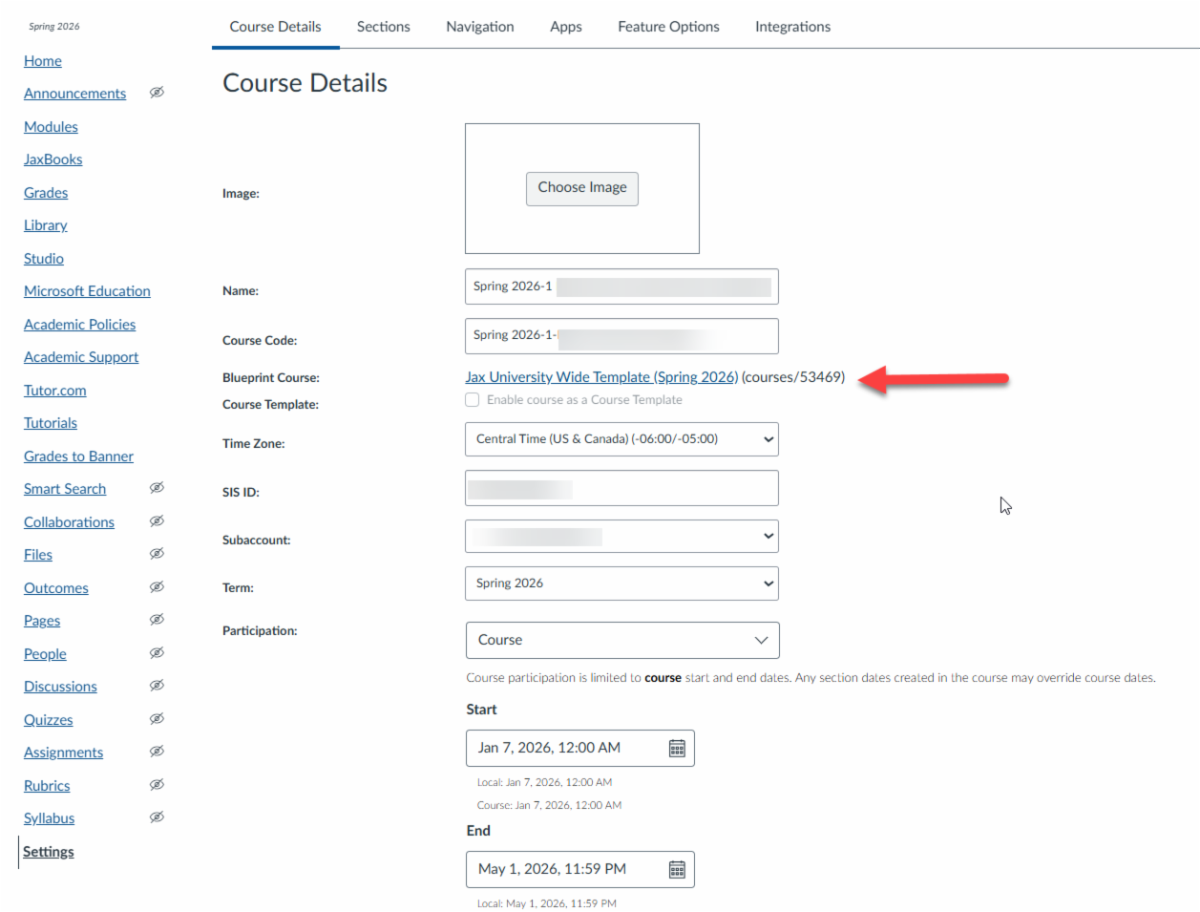
A: Faculty will retain editing access to their Canvas course(s) until 11:59 PM on the day grades are due. After this deadline, courses will become read-only.
- Full Spring: May 1 at 11:59 PM
- Spring B & Spring Block 2: April 30 at 11:59 PM
Be sure to finalize any updates or downloads before your course closes.
📌 Q2: What’s the fastest way to provide feedback on final exams or assignments?
A: Use tools like comment banks, saved responses, or annotation features. These allow you to reuse common feedback and speed up grading without sacrificing quality.
📌 Q3: What should I communicate to students during finals week?
A: Send a clear message outlining final exam details, deadlines, how to reach you, and any expectations. A quick reminder about academic integrity and support resources can also be helpful.
📌 Q4: How should I handle missing or incomplete grades at the end of the term?
A: If an Incomplete is in compliance with Procedures and policies prescribed by the Registrar's Office for Incomplete Grades, you will need to submit the Request Student Access for Incomplete Grade Completion form, available on the Online@JSU Forms and Requests for Faculty webpage.
📌 Q5: Can I still make changes to my course after final exams have started?
A: Yes, but only if absolutely necessary. Changes to assignments, due dates, or availability can confuse students or unintentionally restrict access during exams. If a change is required (e.g., fixing a typo or adjusting time), clearly communicate it to students immediately and double-check settings before saving.
|