β€Š

One Cool Tip Newsletter

November 7, 2026

Your daily dose of tech-savvy brilliance!

πŸ˜€ Greetings! Happy Saturday Cool Tipper!


Get ready to streamline your digital life with simple, actionable tips delivered straight to your inbox.


Cool Tip Theme: Create Animated GIFs with ChatGPT

ο»Ώ

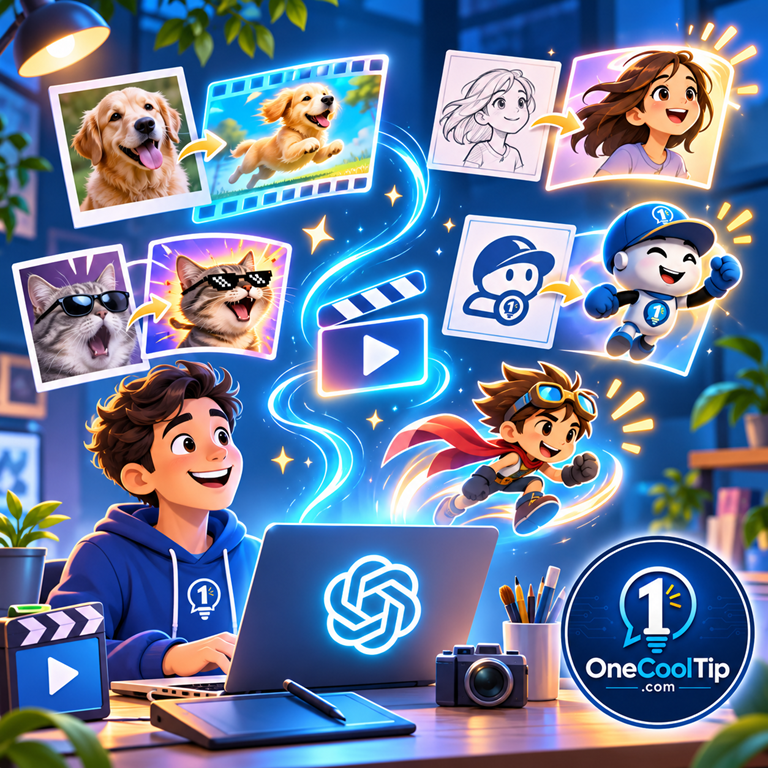
Learn how to create animated GIFs with ChatGPT Images 2.6. Turn simple prompts and photos into moving graphics for social media, work and fun.


New here? Subscribe to the One Cool Tip Newsletter for daily updates. It's FREE!

3️⃣

If you enjoy the One Cool Tip Newsletter, please forward this newsletter to THREE friends or colleagues or share it on social media using the links below.


Leave a $$$ Tip!


Share this One Cool Tip Newsletter!

X Share This Email
LinkedIn Share This Email
Pinterest Share This Email

🚨 Small Business Owners: Don’t Let Scammers Fool Your Team🚨


The Federal Trade Commission is using National Veterans Small Business Week to remind business owners that an informed workforce can be one of their best defenses against scams.


Small businesses can face schemes involving fake invoices, bogus tech support, and criminals impersonating businesses or government agencies.


The FTC recommends educating employees about these scams so they know what warning signs to watch for.


It also offers free videos and small-business resources that owners can share with their teams.


Business owners can subscribe to FTC Consumer Alerts to stay informed about emerging scam trends.


The Cool Tip:


Scam protection isn't just an IT job.


Give everyone on your team the knowledge to recognize trouble before money or information changes hands.


And in Other News...


  • ο»ΏWebsite Owners Are Getting More Say Over AI Training


OpenAI says it will support a common signal that lets website owners express their preferences about using their content for generative AI training.


The signal will live in robots.txt, a file websites already use to communicate instructions to automated web crawlers.


Instead of maintaining separate rules for individual AI providers, publishers will be able to communicate the same preference to multiple participating providers at once.


OpenAI says its existing crawler controls will remain in place and continue to be respected.


The company plans to implement the new signal in the coming months and provide more details later.


The Cool Tip:


If you run a website, keep an eye on this developing standard because it could make managing your AI training preferences much simpler.

Cool Tip Poll

πŸ€” What would you most like to animate with ChatGPT?

Cool Deals of the Day

  • Have you tried the Upside app? Everyday cash back on gas, groceries and dining.ο»Ώ


Help support One Cool Tip. Use this Amazon link when you shop online.


Check out these Cool Deals:

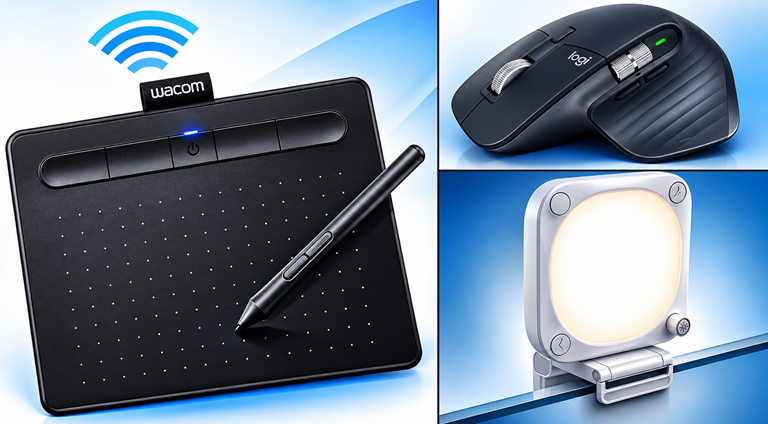
🎨 Wacom Intuos Small Bluetooth Drawing Tablet: Ideal for creating or refining original drawings that can be uploaded to ChatGPT and turned into animated artwork. The tablet gives users more precise drawing control than a conventional mouse.

Overall Pick! Now $78.46. 4.4 Stars. Check it out on Amazon!


πŸ–±οΈ Logitech MX Master 3S Wireless Mouse: A comfortable, precision-focused mouse for creators who spend time editing images, organizing digital assets and working across multiple creative applications.

Save 20%. Now $79.99. 4.6 Stars. Check it out on Amazon!

ο»Ώ

πŸ’‘ Elgato Key Light Neo: A compact lighting accessory for creators who record video tutorials demonstrating their ChatGPT image projects.

Amazon's Choice. Now $99.51. 4.2 Stars. Check it out on Amazon!


ο»Ώ*Prices accurate when originally published.

One Cool Tip may earn a commission from qualifying purchases.

Fuel Your Adventure

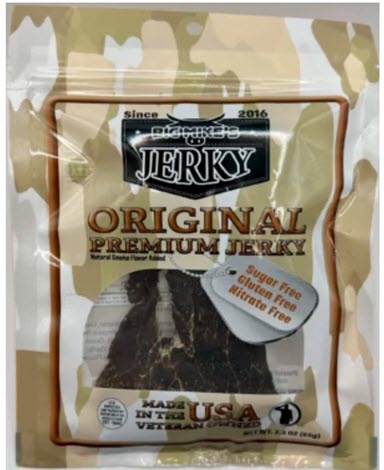
Try Big Mike's Jerky!ο»Ώ


bigmikesjerky.com


Today's Cool Tipο»Ώ

Make Animated GIFs With ChatGPT Images 2.6

ChatGPT Images 2.6 lets you create animated GIFs using simple text prompts or existing pictures.


ο»ΏLearn how to bring characters, photos and creative ideas to life without complicated animation software.

By Rodger Mansfield, Technology Editor

November 7, 2026

Subscribe


Ever wish you could make a funny animated reaction, a waving company mascot or an eye-catching graphic for social media without learning animation software?


Now ChatGPT can help.


OpenAI introduced ChatGPT Images 2.6 on Nov. 4, 2026, bringing faster image generation, improved editing capabilities and a new way to create animated GIFs.


Instead of drawing individual frames or mastering complicated editing tools, you can describe the animation you want and let ChatGPT handle much of the creative work.


Here's a Cool Tip: Turn your ideas and pictures into animated GIFs with ChatGPT Images 2.6.


What Is ChatGPT Images 2.6?


ChatGPT Images 2.6 is OpenAI's updated image-generation system. It creates images from written descriptions, edits existing pictures and introduces animated GIF creation.


A GIF, short for Graphics Interchange Format, is an image format that can display a sequence of pictures to create the illusion of movement.


Unlike traditional video files, animated GIFs are commonly used for short, repeating animations, such as waving characters, moving illustrations and reaction images.


With ChatGPT Images 2.6, you can describe what you want to animate in everyday language.


For example, ask ChatGPT to create a cartoon dog wagging its tail, a steaming coffee mug or a friendly robot waving hello.


You can also upload an existing still image and ask ChatGPT to animate it.


OpenAI says Images 2.6 generates images 50% faster than its predecessor while improving consistency across edits.


ο»ΏThat means characters, clothing and other visual details are more likely to remain recognizable when you make changes.


The new GIF capability is currently rolling out in ChatGPT, so it may not appear for every user immediately.


What You'll Gain


  • Create animations easily: Describe the action you want without drawing individual frames.
  • Make content more engaging: Add movement to social media posts, newsletters and presentations.
  • Animate existing pictures: Turn a still image or illustration into a moving graphic.
  • Customize your creations: Request changes to an animation or adjust its playback speed.


Step-by-Step Instructions


Here's how to do it.


Web/Desktop


  1. Visit ChatGPT, chatgpt.com, and sign in to your account.
  2. Select a new chat or open an existing conversation.
  3. Enter a prompt that explains what you want to see and how it should move.
  4. Include the words "animated GIF" or "looping GIF" in your prompt.
  5. Submit your request and review the result.
  6. Ask ChatGPT to change the character, movement, background or other details.
  7. Open the GIF to access its available playback speed controls.
  8. Use the controls in the GIF viewer to save the animation to your device or share it.


Try This Example


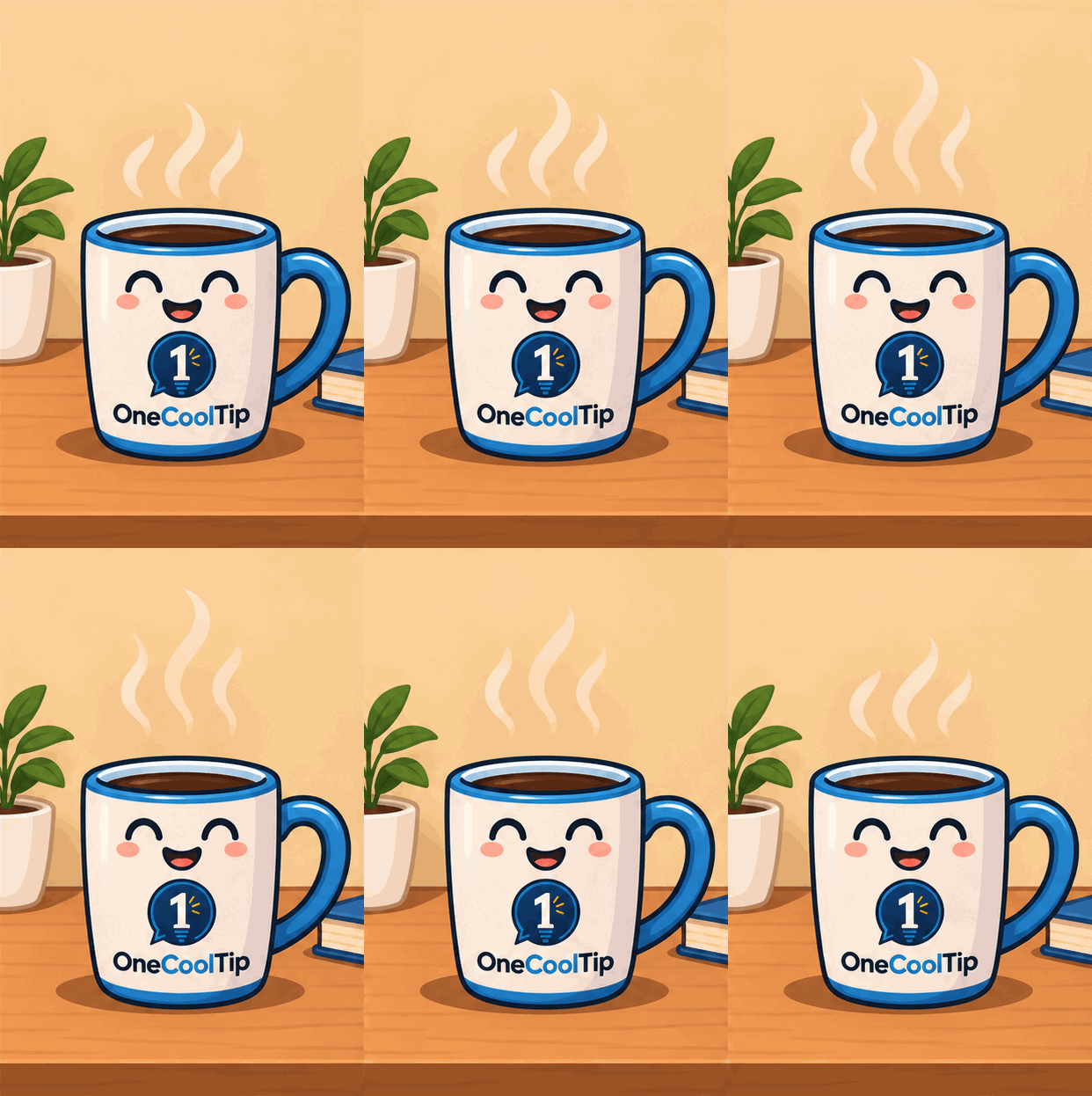
Copy and paste the following prompt into ChatGPT:


"Create a playful animated GIF of a cheerful cartoon One Cool Tip coffee mug sitting on a desk. The mug smiles as three curls of steam slowly rise above it. Use warm colors, a clean illustration style and a simple background. Make the steam move smoothly in a seamless loop. Keep the mug, desk and background stationary throughout the animation."


This prompt works well because it specifies the subject, movement, visual style and desired looping behavior.

fig.1 - One Cool Tip Coffee Mug GIF

For best results, keep your first animation simple. 


A single moving subject is easier to control than a busy scene with several characters.


Animate an Existing Image


You don't have to start from scratch.

  1. Open ChatGPT.
  2. Upload a still image, such as a drawing, illustration or photograph.
  3. Enter a prompt describing how the image should move.
  4. Ask ChatGPT to create a short, looping GIF.
  5. Review the animation and request adjustments if necessary.
  6. Open the finished GIF to save or share it.


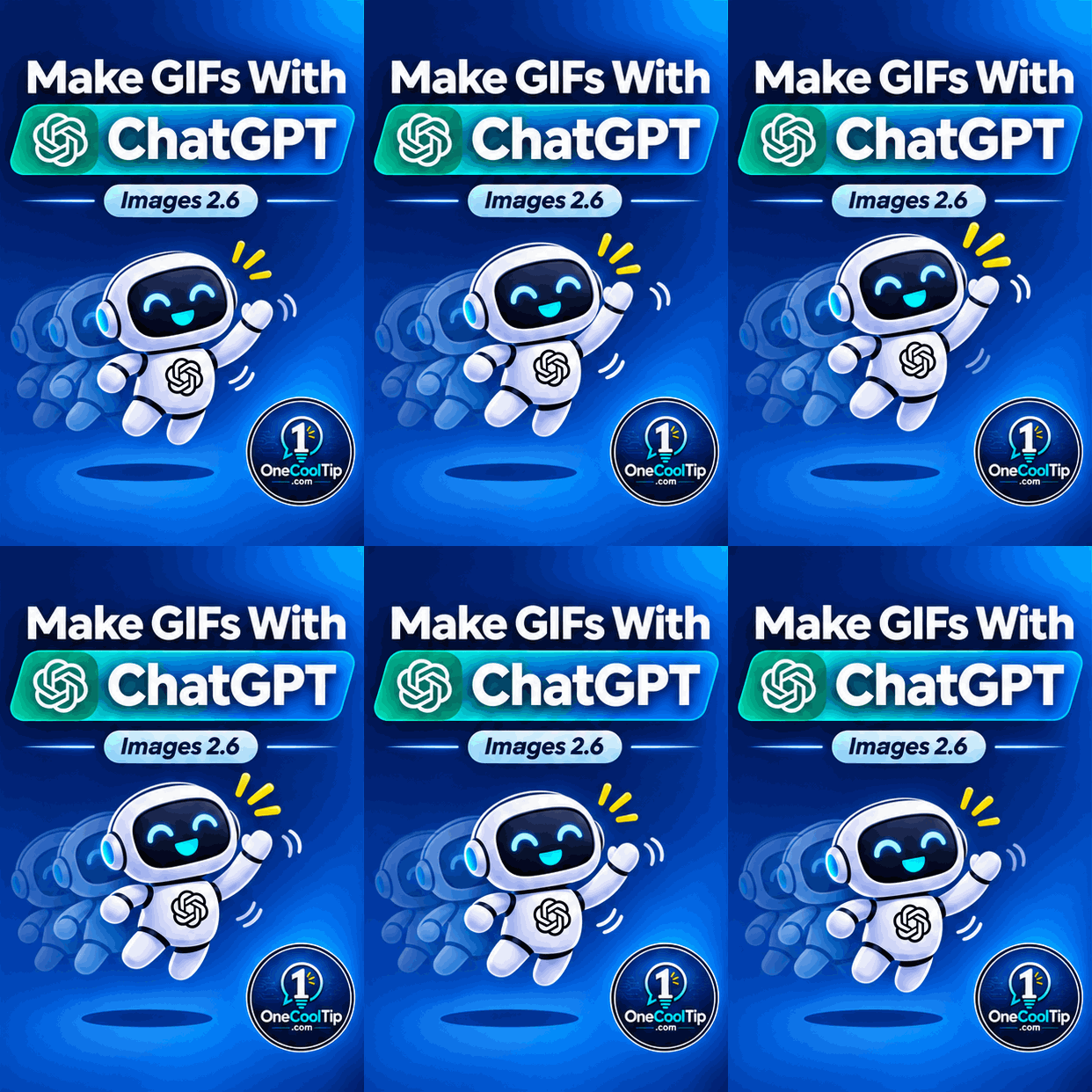
For example, upload a drawing of a friendly robot and ask:


"Turn this robot into a looping animated GIF. Make it wave its right hand twice while maintaining the original design, colors and background."


Important: ChatGPT can animate an uploaded still image, but it cannot directly edit an animated GIF that you upload.

fig. 2 - Waving One Cool Tip Robot GIF

iPhone, iPad and Android


  1. Open the ChatGPT app (iOS / Android) and enter a GIF creation prompt, just as you would on the web.
  2. You can also upload a still image and describe how you want it animated.
  3. Once a GIF has been created, open it to access available playback, save and sharing controls.
  4. GIF creation is rolling out, so availability may vary by account.


Pros and Cons


Pros:


  • Easy to use: Natural-language prompts eliminate much of the complexity of traditional animation software.
  • Creative flexibility: Make reaction GIFs, animated characters, illustrations and promotional graphics.
  • Image animation: Bring existing artwork and photographs to life.
  • Simple revisions: Describe changes rather than rebuilding an animation manually.
  • Playback control: Adjust the speed of a generated GIF before sharing it.


Cons:


  • Gradual rollout: The feature may not be available in every ChatGPT account yet.
  • Occasional inconsistencies: Characters or objects may change slightly between frames.
  • Limited precision: Complex motion and exact timing may be difficult to control through prompts alone.
  • Upload limitation: ChatGPT cannot edit an animated GIF uploaded by the user.


Who Should Skip This?


ChatGPT GIF creation may not replace professional animation software for users who need precise timing, advanced motion effects or extensive control over individual frames.


It's also unnecessary for projects that only require a static image.


However, for quick animations, social media graphics and creative experiments, the feature offers an accessible starting point.


Real-World Examples


Small Businesses


A local coffee shop could animate its mascot waving hello for a promotional post or customer newsletter.


Educators


A teacher could create a short animation of a plant growing from a seed to introduce a science lesson.


As with other AI-generated educational material, the illustration should be checked for accuracy.


Content Creators


A technology blogger could animate a friendly computer character celebrating a useful keyboard shortcut, adding personality to a social media post.


Configuration Guide


You don't need to install separate animation software or enable a special setting to request GIFs in ChatGPT.


Start a conversation and describe the animation you want.


For better results, include these details in your prompt:


  • Subject: What should appear in the animation?
  • Movement: What action should occur?
  • Style: Should the image look realistic, illustrated or cartoon-like?
  • Background: What should remain visible or stationary?
  • Looping: Should the animation repeat smoothly?


After ChatGPT creates the GIF, open it to adjust playback speed, save it or share it.


There is no separately documented GIF creation toggle.


Troubleshooting and Limitations


Problem: The resulting image doesn't move.


  • Why it happens: ChatGPT may have generated a still image instead of an animation.
  • Fix: Ask specifically for a looping animated GIF and describe what should move.


Problem: The animation jumps when it repeats.


  • Why it happens: The final frame may not transition smoothly into the first.
  • Fix: Request a seamless loop in which the moving subject returns to its original position.


Problem: The character changes appearance between frames.


  • Why it happens: AI-generated animations can introduce visual inconsistencies.
  • Fix: Specify consistent clothing, colors, proportions, lighting and background details.


Problem: An uploaded GIF cannot be edited.


  • Why it happens: ChatGPT does not currently support editing an animated GIF uploaded by the user.
  • Fix: Upload the original still image, if available, and request a new animation.


Problem: GIF creation isn't available.


  • Why it happens: OpenAI is gradually rolling out the feature.
  • Fix: Check whether the feature has become available in your account.


Privacy and Data Notes


When you upload a picture to ChatGPT, its contents are processed to fulfill your request.


Avoid uploading confidential business graphics, private photographs or other sensitive materials without appropriate permission.


You can review your account's privacy preferences under Settings > Data controls.


Before publishing an animated GIF, check it for unwanted details, inaccurate text and anything you wouldn't want others to see.


Remember that images shared publicly may be copied or redistributed by other people.


Feature Access


  • ChatGPT Images 2.6 is available globally across ChatGPT subscription tiers.
  • OpenAI supports ChatGPT Images on the web, iOS and Android, with image-generation capabilities also available through Codex.
  • Animated GIF creation is still rolling out in ChatGPT.


Cool Tip Score

Criterion | Score (0–10) |  Justification
Value |  9
Makes short animations accessible to people without specialized design skills. Particularly useful for creative projects, marketing and social media.
Usability |  8
Natural-language prompts are easy to understand, although results may require refinement and the feature is still rolling out.
Wow Factor |  9
Turning a simple idea or still image into a moving graphic is an impressive creative capability.
Total: 26/30 |  πŸŒŸ Excellent
ChatGPT Images 2.6 makes simple animated GIF creation easier and more accessible, particularly for people who don't use traditional animation software.


Key Takeaways


ChatGPT Images 2.6 brings animated GIF creation into an everyday conversational interface. 


Whether you're creating a funny reaction, animating a favorite picture or designing a promotional graphic, a clear prompt can turn a simple idea into something that moves.


Keep animations short, describe the desired movement precisely and experiment with follow-up prompts to improve the result.


Cool Tip Snapshot


  • Feature Name: Animated GIF Creation With ChatGPT Images 2.6
  • Platform(s): ChatGPT web, iOS and Android
  • Quick Benefit: Create animated GIFs using text prompts or existing pictures
  • Best For: Content creators, marketers, educators and home users
  • Access Type: Rolling Out
  • Difficulty: Easy


Learn More


OpenAI's official documentation explains how to create animated GIFs, animate still images, adjust playback speed and share your creations.


You can also read the official Images 2.6 announcement to learn more about the technology behind the update.


Try It Yourself


Ready to bring a picture to life? 


Open ChatGPT and try creating an animated GIF of a waving character, a steaming coffee cup or your own creative idea. 


Share your results in the comments, subscribe to the free One Cool Tip newsletter for more practical technology tips.


And share this Cool Tip with family, friends and coworkers who might enjoy experimenting with AI animation.


READ MORE


Read the Full Cool Tip!

Check Out These Cool Tips & Tricks


  • Be Specific: Give ChatGPT clear instructions about your subject, colors, setting and visual style. Include those details in your prompt to help guide the result.


  • Choose Dimensions: Match your image to its intended destination. Request a 1:1 square for social media, 16:9 for a wide banner or 4:5 for a vertical post.


  • Keep It Simple: Focus on one main subject to create cleaner graphics. Ask ChatGPT to use a simple background and minimal decorative elements.


  • Use References: Upload an existing image to guide a new creation. Tell ChatGPT which colors, characters or design elements should remain consistent.


  • Edit Selectively: Make targeted changes instead of generating an entirely new image. Select the area you want to change or describe the specific edit in your prompt.


  • Create GIFs: Turn a written idea into a short animation. Ask ChatGPT to generate an animated GIF and describe exactly what should move.


  • Loop Smoothly: Make your GIF repeat without an obvious jump. Include the phrase "seamless loop" and ask for the final frame to match the starting position.


  • Add Text: Include titles, captions or labels in your generated images. Put the exact wording in quotation marks and review the resulting text for errors.


  • Try Transparency: Create graphics that can sit on different backgrounds. Ask ChatGPT for a transparent background when designing icons, stickers or simple illustrations.


  • Save Favorites: Keep useful images for future projects. Open the Images section in ChatGPT to revisit, download or share previous creations.

ICYMI - In Case You Missed It ...

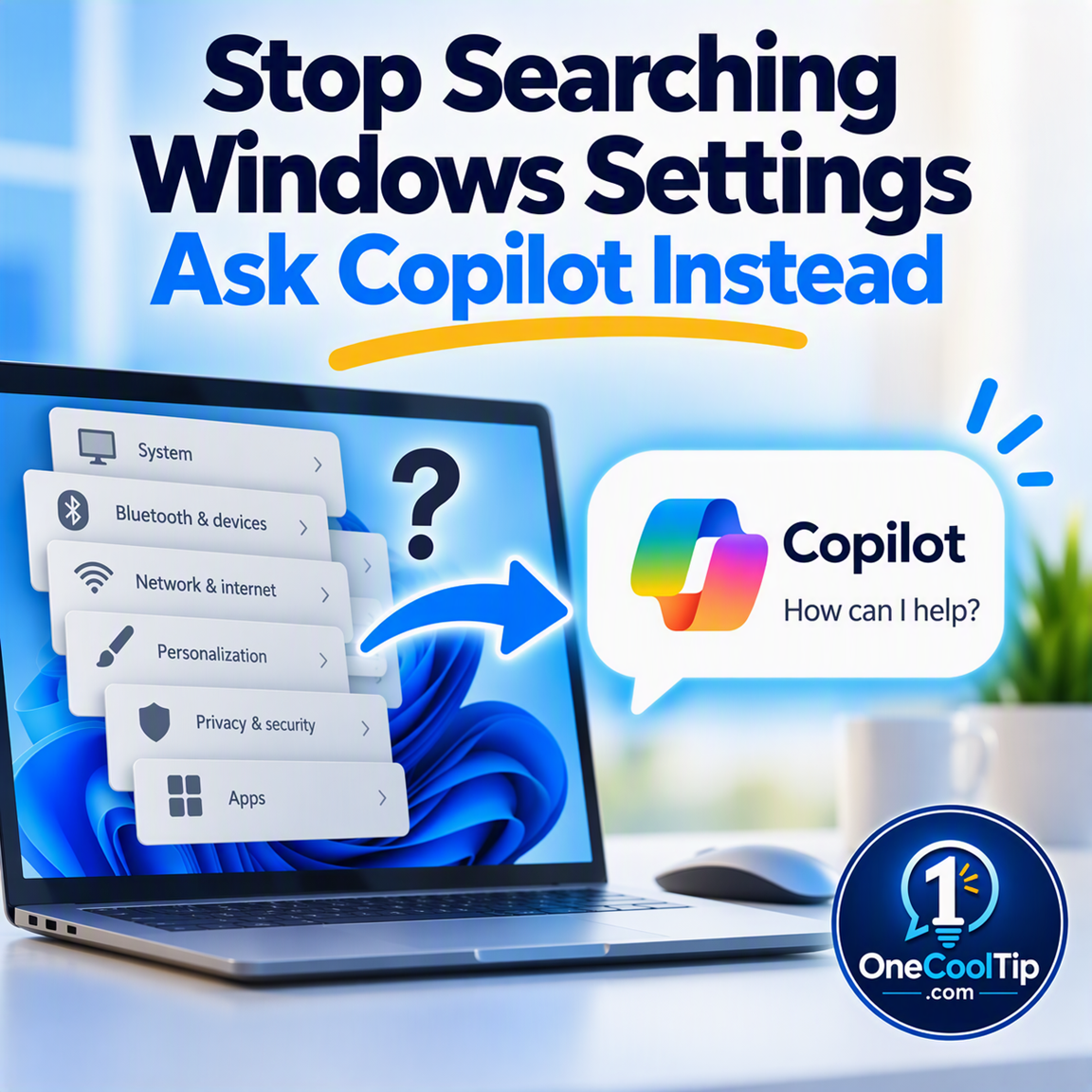
Stop Searching Windows Settings. Let Copilot Find Them for You


Windows 11 has hundreds of settings, and finding the right one isn't always easy. Microsoft Copilot can help you locate, open, and understand settings using plain English, reducing frustration and saving time.


Read the Full Version.


Read the Newsletter Version.

Looking for your next adventure?


Call Denise at Travel For You.

314.660.3039


Sign Up for the Monthly Newsletter


http://www.travelforyouvacations.com/


https://www.facebook.com/TRAVEL.FOR.U/


See You Tomorrow

Tomorrow's Cool Tip is waiting to amaze you.


Until then, go forth and conquer the tech world with your newfound knowledge!


Be sure to visit www.OneCoolTip.com for Cool Tech Tips for a Cooler Life!


And if you Like One Cool Tip, please support with TipJar!


Enjoy!

ο»Ώ


Rodger

Chief Cool Tipper

onecooltip.com@gmail.com


What Do You Think?

What do you think of today's One Cool Tip Newsletter?
Positive        Neutral        Negative
X Share This Email
LinkedIn Share This Email

Connect with One Cool Tip!

Facebook  X  Instagram  Web  Pinterest  YouTube  LinkedIn
β€Š

As an Amazon Associate, One Cool Tip may earn a small commission from qualifying purchases.


Our media content is intended solely for informational purposes. Please do not construe anything here as legal, tax, investment, financial, marital or other advice.


Copyright Β© 2026 | www.OneCoolTip.com | All Rights Reserved


β€Š