Is Multi-Factor Authentication (MFA) Right For You?
Many organizations are moving to the cloud, especially in the wake of a pandemic that required many to work from home. Chief among cloud products are Microsoft's 365 services.
Included in these services are Exchange online, Microsoft Office, teams and other applications. Due to the increased usage of these apps, they have become a larger target for bad actors to attempt to hack or breach. Luckily, Microsoft has also begun including MFA in their plans to help with security.
What Does It Do?
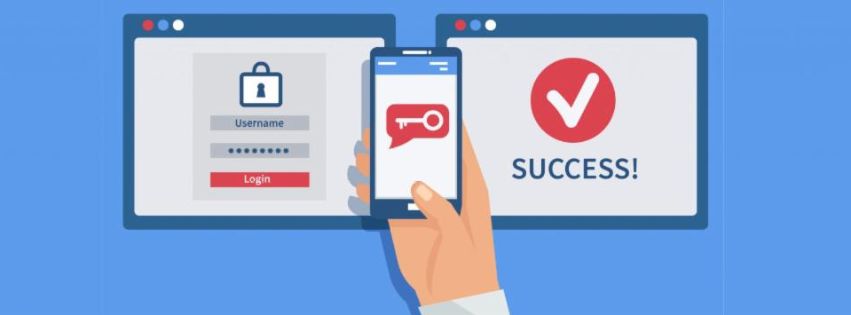
MFA allows an extra level of security for your programs. Where as without it, a hacker who gets your password can simply login and get access to all your data stored in your applications (particularly your email account), MFA requires a second form of authentication. When logging in, after inputting your password, the program asks for verification that can only be found on a device such as your phone.
Requiring that second form of verification makes it much more difficult for anyone to crack into an account by requiring them to both learn the user's password and have the user's phone. If one is compromised, the other is there to safeguard the account while the second is addressed and remedied.
MFA can be enacted on a person-by-person basis, but is best done in person as each user will have to get it set up on their secondary device and may require assistance. It can be implemented remotely if requested, but that will require more time to complete the process.
After initial implementation, there is very little upkeep outside users getting new phones or losing their phone.
If you think that MFA might be a good idea to implement at your organization or you would like to learn more about it, please feel free to call into our offices or email us at service@ridgesupport.com.
We strive to look out for the best interest of our customers and their procurement in the IT venue. Be it hardware, software or service related, we want to guide you in the most effective manner possible.