|
Set up a post configuration that matches your most common job. Save it. Use it. You should be able to hit "Post" and know the result will land in the right folder with the right settings, every time.
Next, clean up your operation list. Sloppy sequencing slows everything down. If your ops are out of order or full of outdated tools, the post may stall, or worse, spit out errors. Group similar tools together to minimize tool changes. Eliminate leftover operations from older setups. Use naming conventions and folders (if your CAM system supports it) to keep things tidy and make debugging easier.
Then take a hard look at your post-processor itself. A bloated or overly customized post can become a liability. Long waits, clunky prompts, or manual code edits are all signs something’s wrong. If you’re still editing M-codes, spindle ramps, or tool call-outs by hand, that’s a job for your post developer. Trim the fat and automate what’s consistent. Ask your CAM reseller if they offer post audits. They’ll often find small changes that make a big difference.
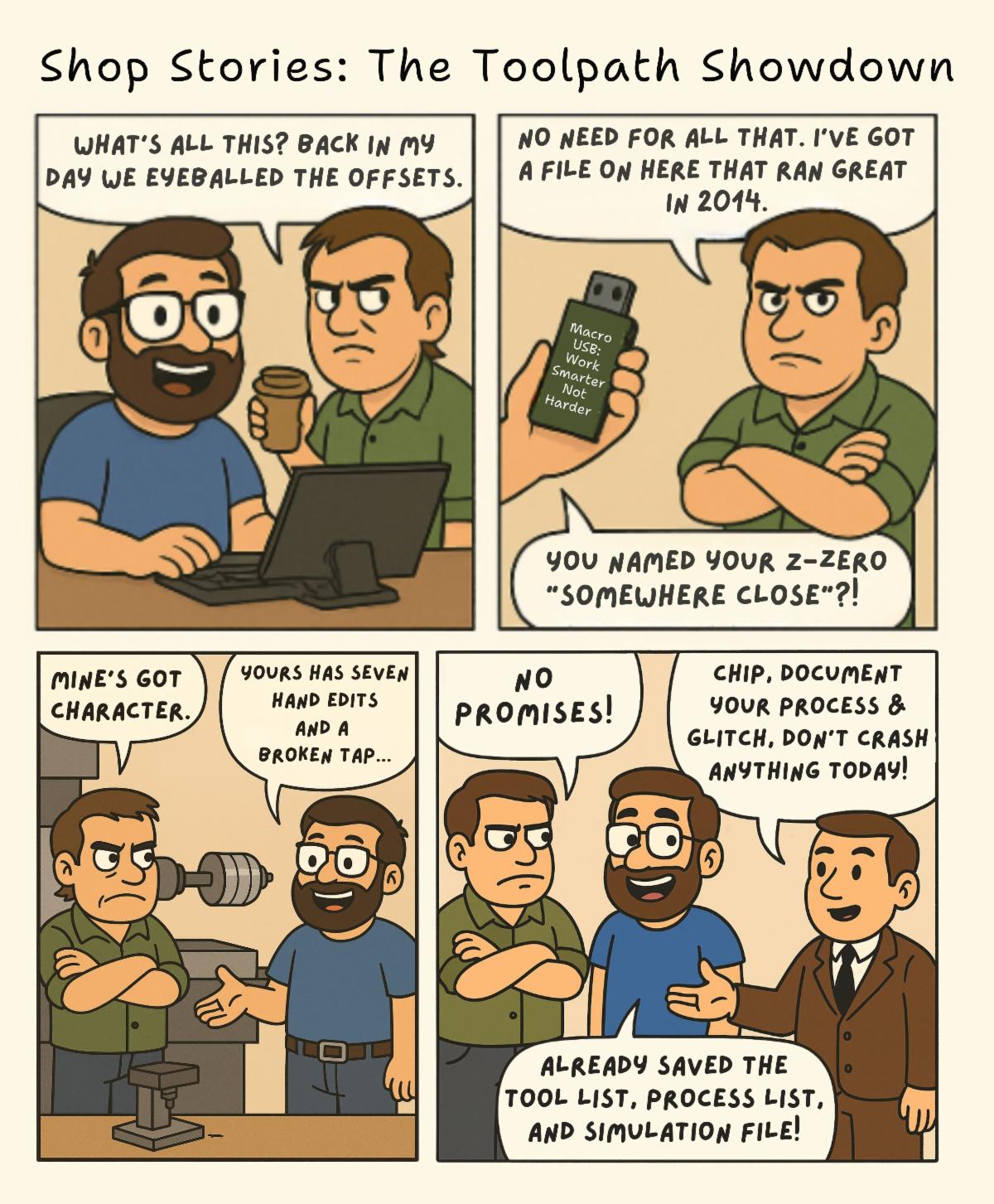
You can also use process templates or toolpath macros to speed things up before you even get to posting. These save commonly used cutting strategies and let you reapply them with minimal effort, keeping your code consistent and clean from the start.
Lastly, don’t forget about version control and backups. Use a structured file system or PDM tool to manage revisions. Nothing kills speed like having to retrace your steps because someone overwrote the wrong file.
The best post-processing workflows are like muscle memory: simple, fast, and mistake-proof. Spend a little time setting it up right, and you’ll get it back tenfold in every job you run.
Have a programming question? Send it in for the next edition of Ask a CAM Pro!
|